
Download Mortal Kombat Theme – Free Windows 7 Desktop Skin for Fans
Overview
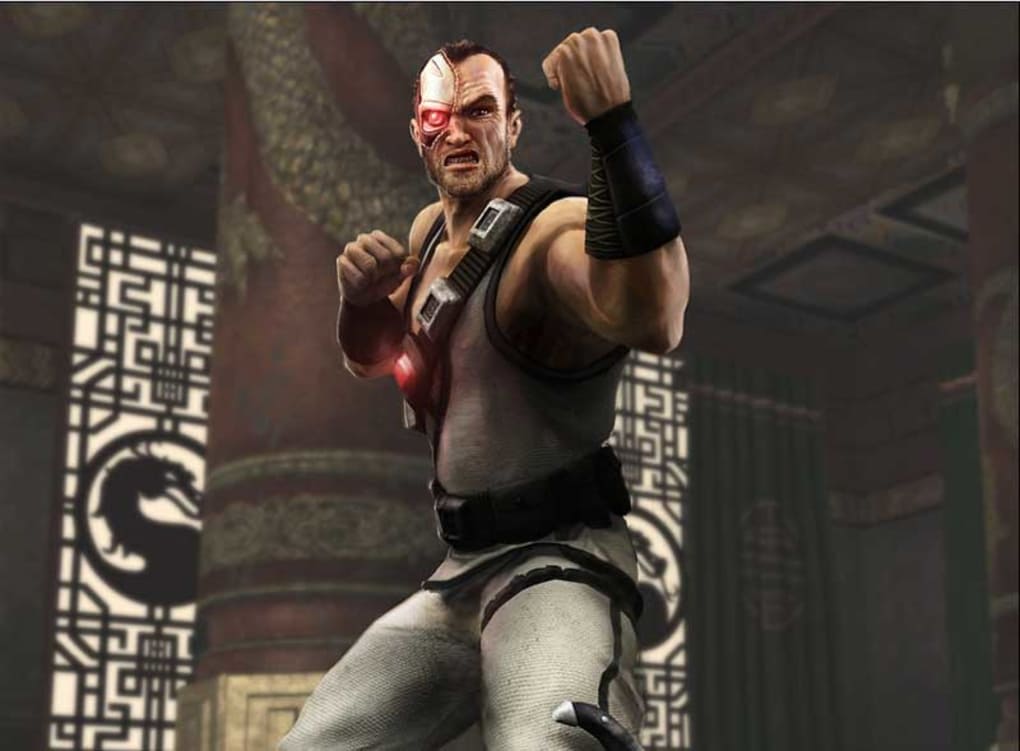
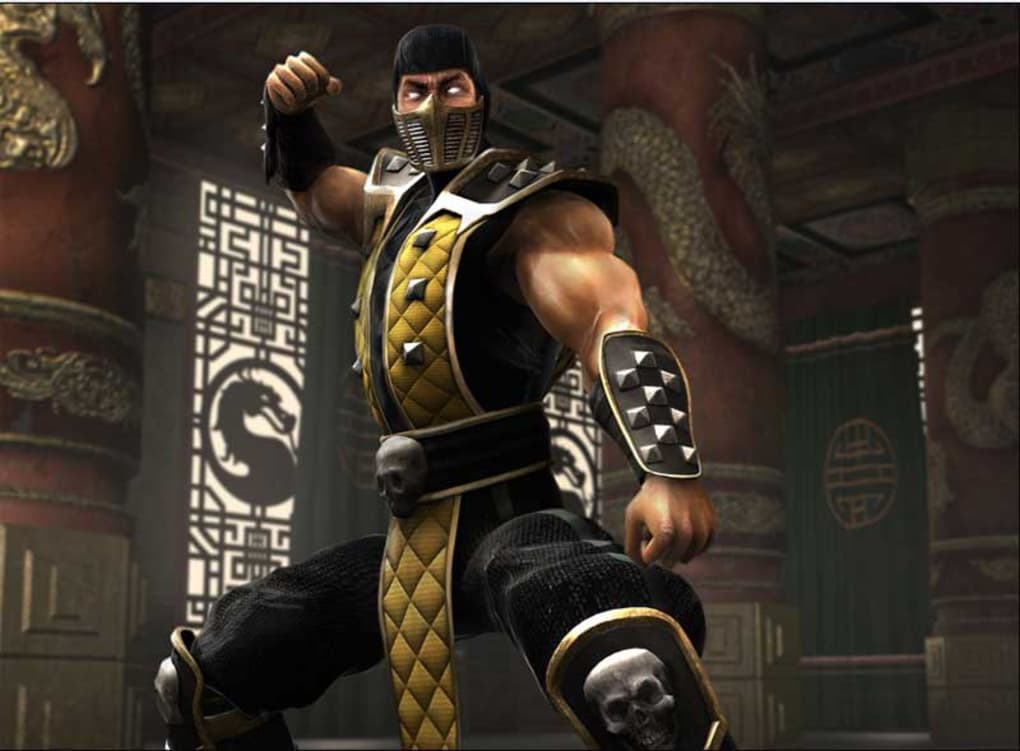
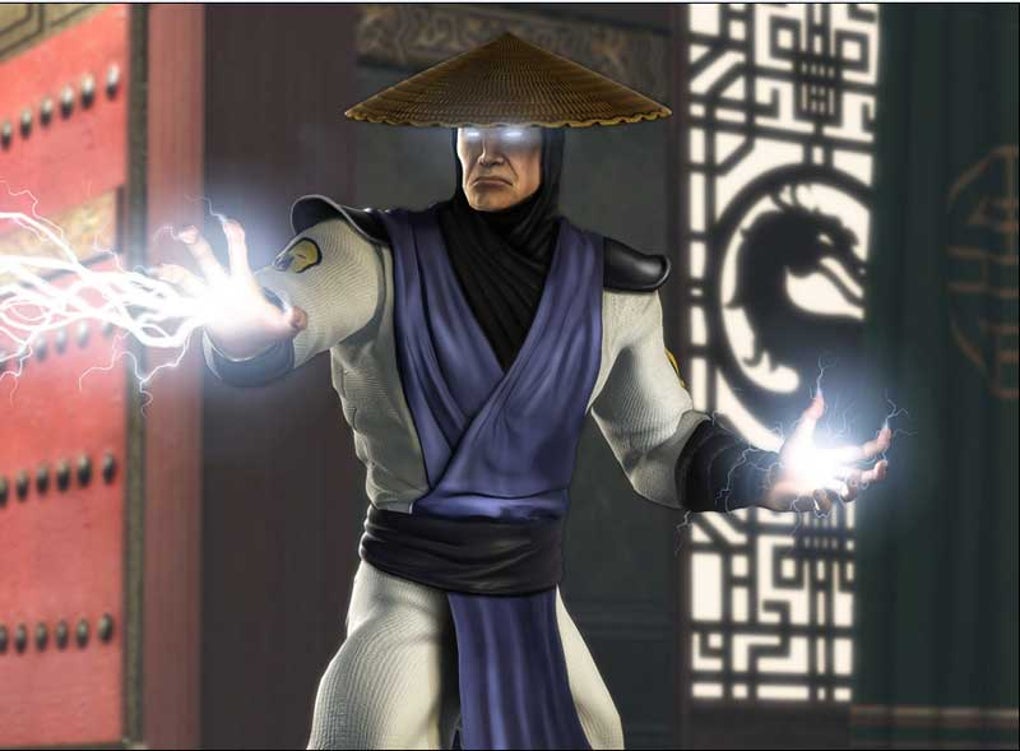
Mortal Kombat Theme is a fan‑crafted desktop makeover designed exclusively for Windows 7 PCs. If you’ve spent countless hours mastering the brutal combos of Scorpion, Sub‑Zero, or Raiden, you’ll appreciate the chance to bring that same adrenaline‑pumping atmosphere to your everyday workspace. This theme swaps out the default wallpaper with high‑resolution artwork that captures the gritty arena, iconic character poses, and neon‑lit backdrops that define the Mortal Kombat franchise. While the package does not overhaul system sounds or icon packs, the visual impact is unmistakable: each background is rendered at 1920×1080 pixels, ensuring crisp detail on most modern monitors. The theme is lightweight, free to download, and easy to install through Windows’ built‑in personalization settings. For die‑hard fans who want to “unleash their inner warrior” even when they’re not fighting in‑game, Mortal Kombat Theme offers a simple yet effective way to personalize the desktop without sacrificing performance. Because it targets Windows 7, the theme respects the operating system’s classic control panel layout, meaning you won’t need to dig into registry hacks or third‑party skin engines. In short, Mortal Kombat Theme delivers a high‑impact visual refresh that celebrates the iconic martial‑arts saga while staying true to the stability and simplicity that Windows 7 users expect.
Key Features & Visual Highlights
- Five ultra‑high‑definition wallpapers featuring Scorpion, Sub‑Zero, Liu Kang, Kitana, and Raiden.
- Optimized for 1920×1080 displays, with automatic scaling for lower‑resolution screens.
- Seamless integration with Windows 7’s native theme engine – no extra software required.
- Low‑impact on system resources; the theme only changes the desktop background.
- Free download with optional donation to support the creator.
Beyond the basic wallpaper swap, the theme includes subtle visual cues that enhance the overall aesthetic. Each background incorporates intricate details such as blood‑splatter textures, glowing energy effects, and authentic arena architecture that fans will recognize from the games. The color palette leans heavily on deep reds, icy blues, and electric yellows, mirroring the signature tones of the Mortal Kombat universe. While the theme does not replace default icons, the backgrounds are designed to complement the classic Windows icons, ensuring readability and usability remain intact. Additionally, the files are packaged in a single .themepack, which Windows can recognize instantly, eliminating the need for manual file placement or registry edits. This streamlined approach makes the theme ideal for both tech‑savvy gamers and casual users who simply want a quick visual upgrade.
Installation & Usage Instructions
Step‑by‑Step Setup
Installing Mortal Kombat Theme is straightforward. Follow these steps to get the theme live on your desktop:
- Download the Mortal_Kombat_Theme.themepack file from the official download page.
- Locate the downloaded file in your “Downloads” folder.
- Double‑click the .themepack file; Windows 7 will automatically open the Personalization window and preview the theme.
- Click the “Save theme” button at the bottom of the preview pane to apply the wallpaper and store the theme for future use.
- If you wish to revert to the default Windows theme, open the Personalization control panel, select “Windows Classic” or any other installed theme, and click “Apply.”
For users who prefer a more hands‑on approach, you can manually copy the wallpaper files into C:\Windows\Web\Wallpaper and then select them via the “Desktop Background” settings. The theme is also compatible with the free “Windows 7 Theme Pack” utility, allowing you to bundle the Mortal Kombat backgrounds with custom icon packs if desired. Once applied, the theme will persist across reboots, and you can switch between the five Mortal Kombat wallpapers by right‑clicking the desktop, choosing “Personalize,” and selecting a different image from the theme’s gallery. Because the theme does not modify system files, uninstalling is as easy as deleting the .themepack from the “Themes” folder in the Personalization window.
Compatibility, Pros & Cons
The Mortal Kombat Theme is built specifically for Windows 7 (both 32‑bit and 64‑bit editions). It leverages the native .themepack format, ensuring full compatibility with the OS’s built‑in personalization engine. Users running Windows 8, 10, or later can still apply the wallpapers manually, but the automatic theme activation will not function without additional third‑party tools.
Pros
- Free, high‑resolution artwork that captures the spirit of Mortal Kombat.
- Zero impact on system performance – only the background image changes.
- Simple installation via double‑click; no registry edits or extra software.
- Five distinct character‑focused wallpapers for variety.
- Officially supported on Windows 7, the OS most fans still use for legacy gaming.
Cons
- Does not replace system icons, sounds, or cursor themes.
- Limited to Windows 7; users on newer Windows versions need manual setup.
- No built‑in option to cycle wallpapers automatically.
- Only five wallpapers; fans seeking a larger collection must look elsewhere.
- Requires an internet connection for the initial download.
Frequently Asked Questions
Is Mortal Kombat Theme safe to download?
Yes. The theme is hosted on a reputable file‑sharing platform and contains only image files packaged in a standard .themepack. No executable code or adware is included.
Can I use the theme on Windows 10?
The automatic .themepack activation works only on Windows 7. However, you can still set the wallpapers manually on Windows 10 by right‑clicking each image and selecting “Set as desktop background.”
Do I need admin rights to install the theme?
No. Because the .themepack is applied through the user‑level Personalization settings, standard user accounts can install and activate the theme without administrative privileges.
Will the theme affect my system performance?
The theme only changes the desktop background, which consumes negligible system resources. You won’t notice any slowdown, even on older hardware.
Can I customize the theme further?
Yes. Since the theme is simply a collection of high‑resolution images, you can replace any wallpaper with your own pictures or use third‑party tools like Windows 7 Theme Pack to add custom icons and cursors.
Conclusion & Call to Action
For fans of Mortal Kombat who spend their free time mastering fatal blows, the Mortal Kombat Theme offers a quick, free, and visually striking way to bring the arena’s energy onto your Windows 7 desktop. While it doesn’t overhaul icons or sounds, the high‑resolution artwork, effortless installation, and low system impact make it a solid choice for anyone looking to refresh their workspace without hassle. Download the theme today, apply your favorite fighter’s backdrop, and let the spirit of the tournament inspire your daily tasks. Click the download button below to get started, and feel free to share your customized setup on social media using #MortalKombatTheme.
Ready to level up your desktop? Download Mortal Kombat Theme now and experience the fight‑ready vibe every time you log in.
Pros: Stunning visuals, zero performance impact, easy installation.
Cons: Limited to Windows 7, no icon or sound changes.
Overall rating: 4 out of 5 stars.







